The project shell keeps the work in one place
Once you open a project, Guildhall shifts from "service over projects" into "show me what is happening." Setup, active work, reviewer feedback, and your next decision live in one place.
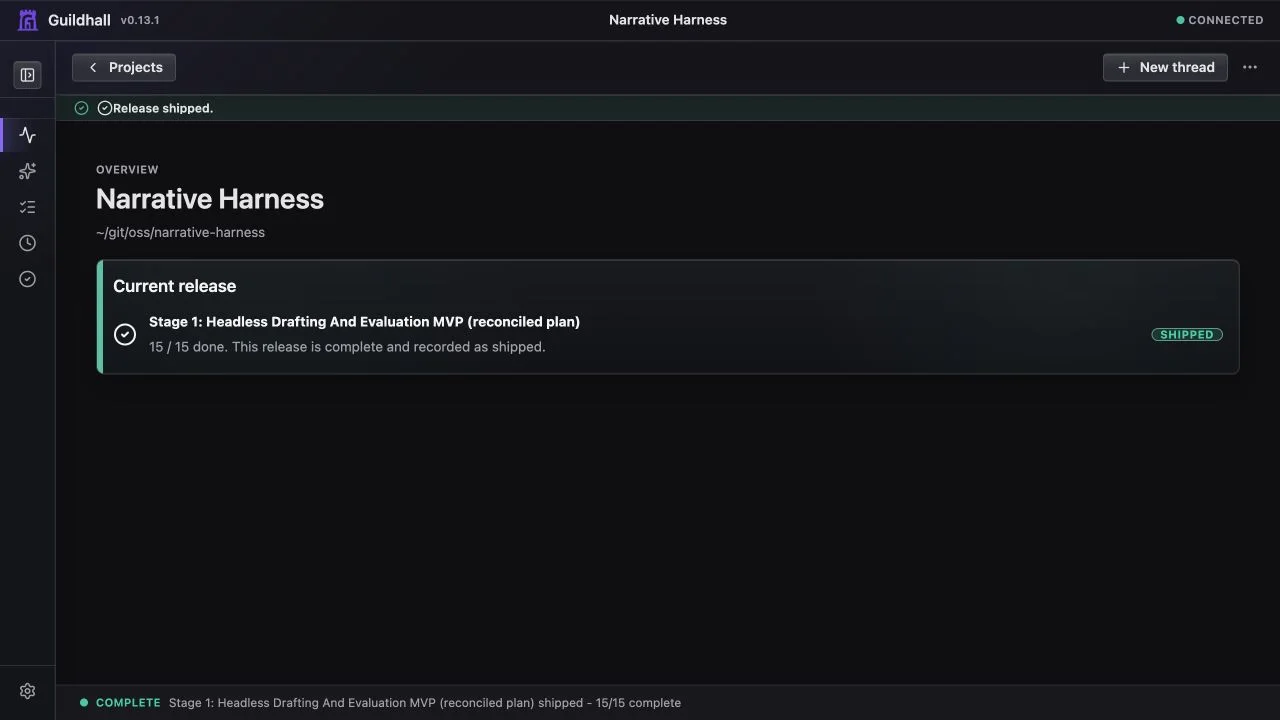
The project rail
The left rail has top-level sections for the main ways you move through a project. When you are in a section, its child links stay visible. When you move to a different section, that previous child list gets out of the way.
Project keeps project understanding together:
- Overview: the first stop. It gives the current release and the one decision that matters now. Detailed scope, checks, facts, and activity stay in their own views.
- Map: the 1,000-foot view. It shows the project skeleton, selected release or bounded scope, work distribution, progress, and later work.
- Needs you: the alert view. If Guildhall needs an answer, approval, or correction, this is the shortcut to the waiting item.
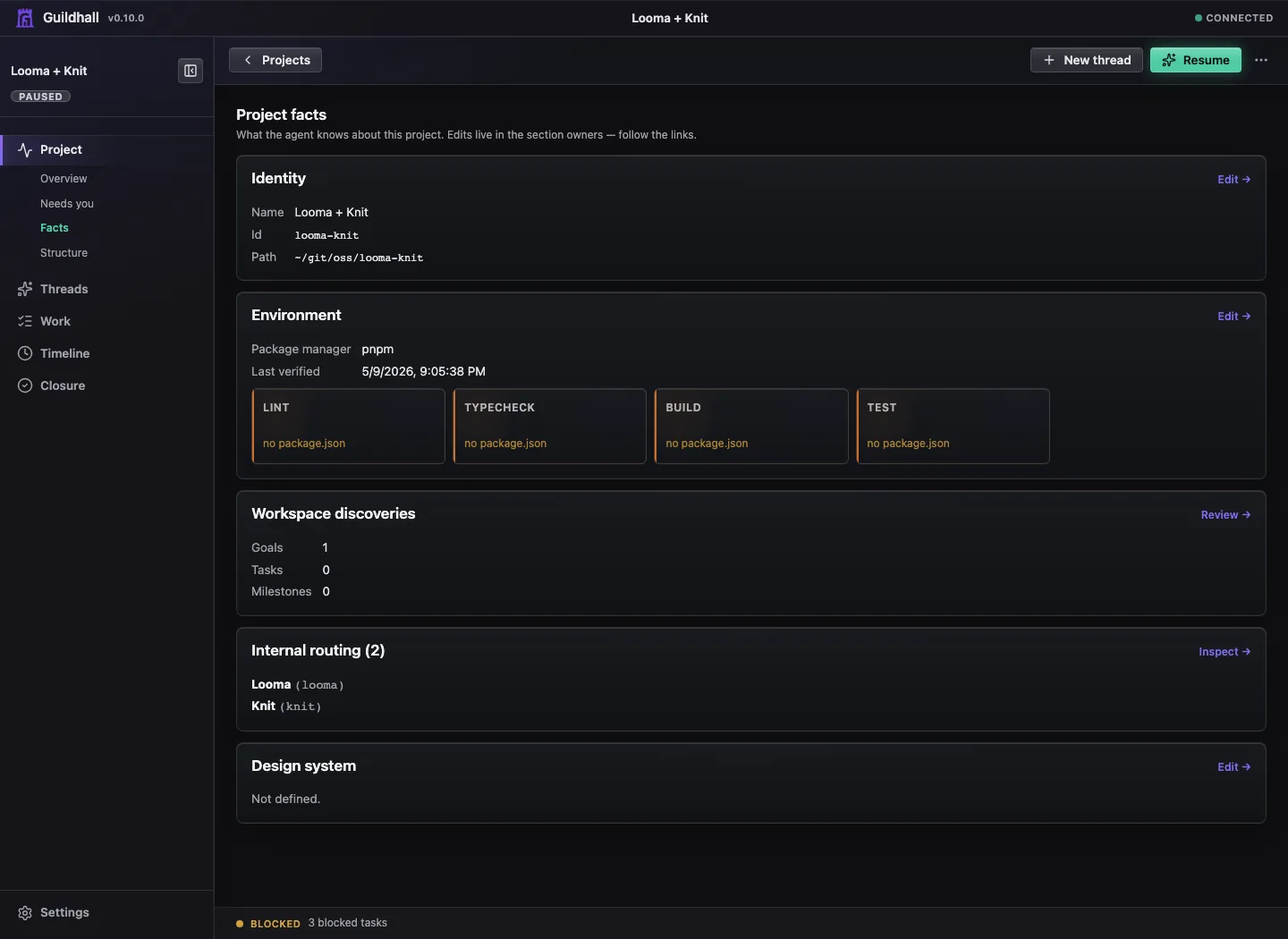
- Facts: what Guildhall knows about the project: identity, environment, gates, workspace discoveries, coordinators, routing context, and durable project facts.
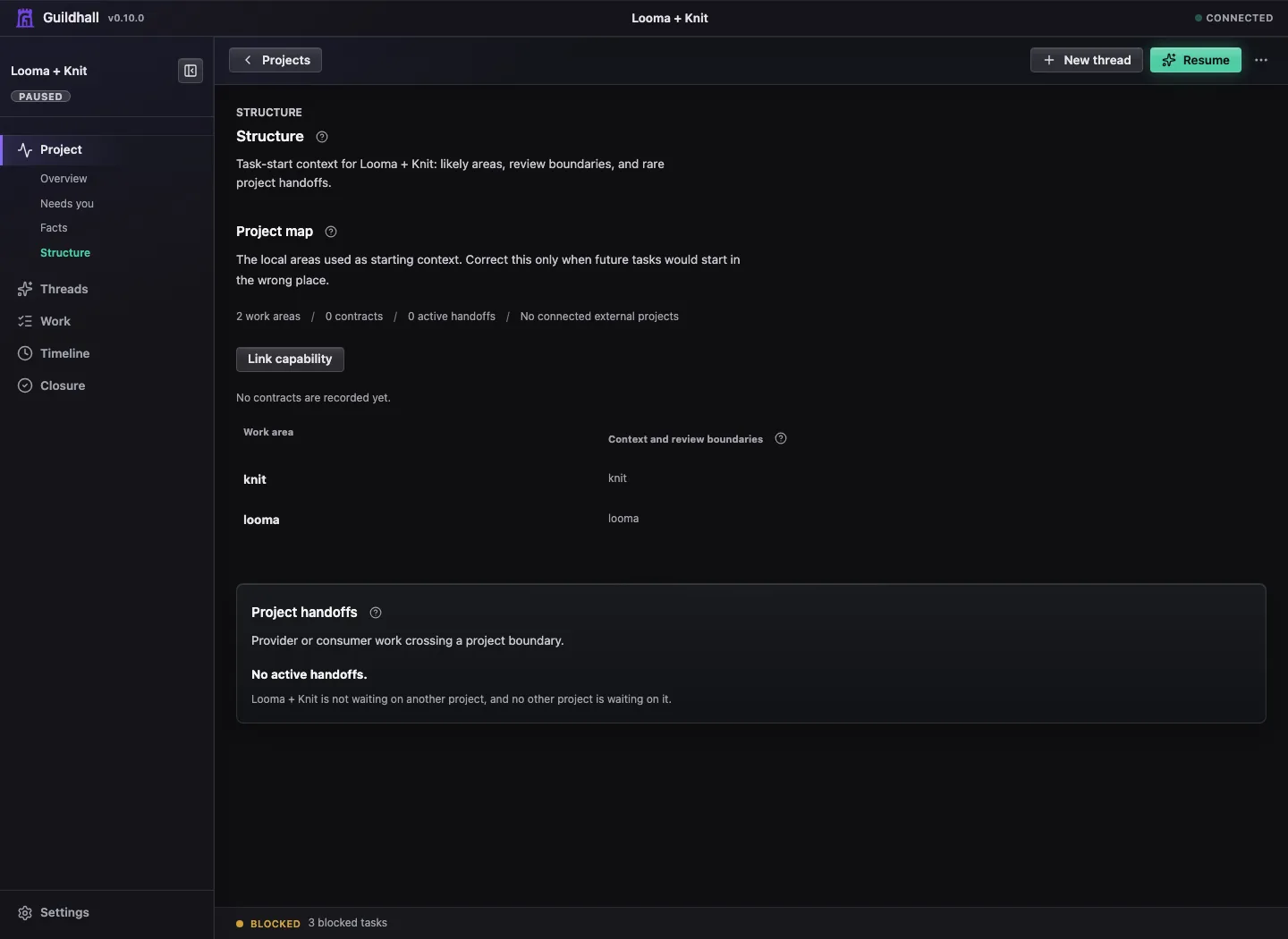
- Structure: the map room. Structural maps, project graph responsibilities, provider/consumer requests, and shared contract surfaces live here instead of hiding in Settings.
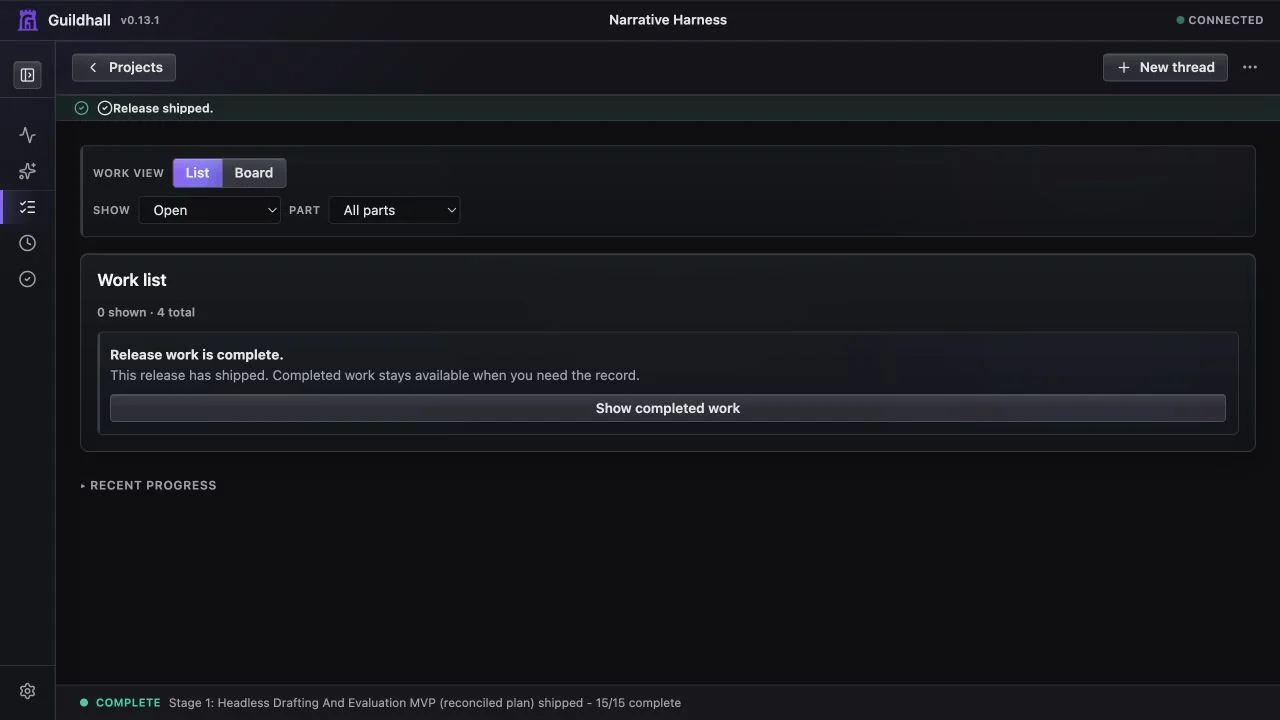
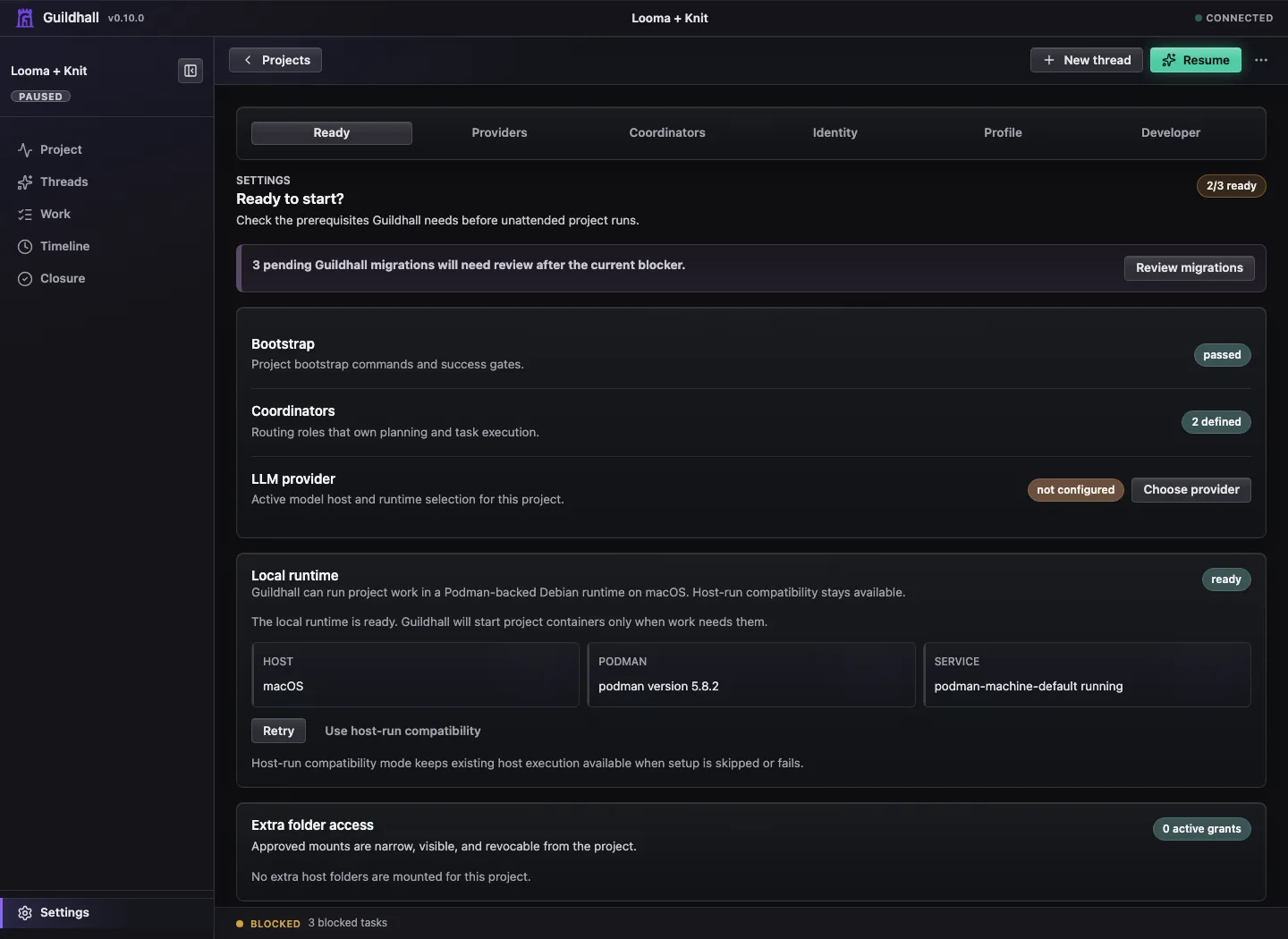
Threads, Work, Timeline, and Release stay as top-level siblings because they are work modes, not project-orientation details. Work shows Queue and Board while you are in Work. Release shows the selected release, readiness, proof, and deferred work. Settings stays pinned at the bottom for Ready checks, Providers, Coordinators, Identity, Profile, Developer tools, and autonomy controls.
What the shell is optimizing for
- Make the next real action obvious
- Let you understand the project from Overview before you dive into Thread or Work
- Keep your questions and the run's progress in the same story
- Surface release and reviewer state before it becomes an unpleasant surprise
- Keep Git closure visible when work is dirty, local-only, deferred, pushed, waiting on a PR, or blocked by a conflict
- Let you drill into transcripts and provenance without leaving the shell
Current strengths
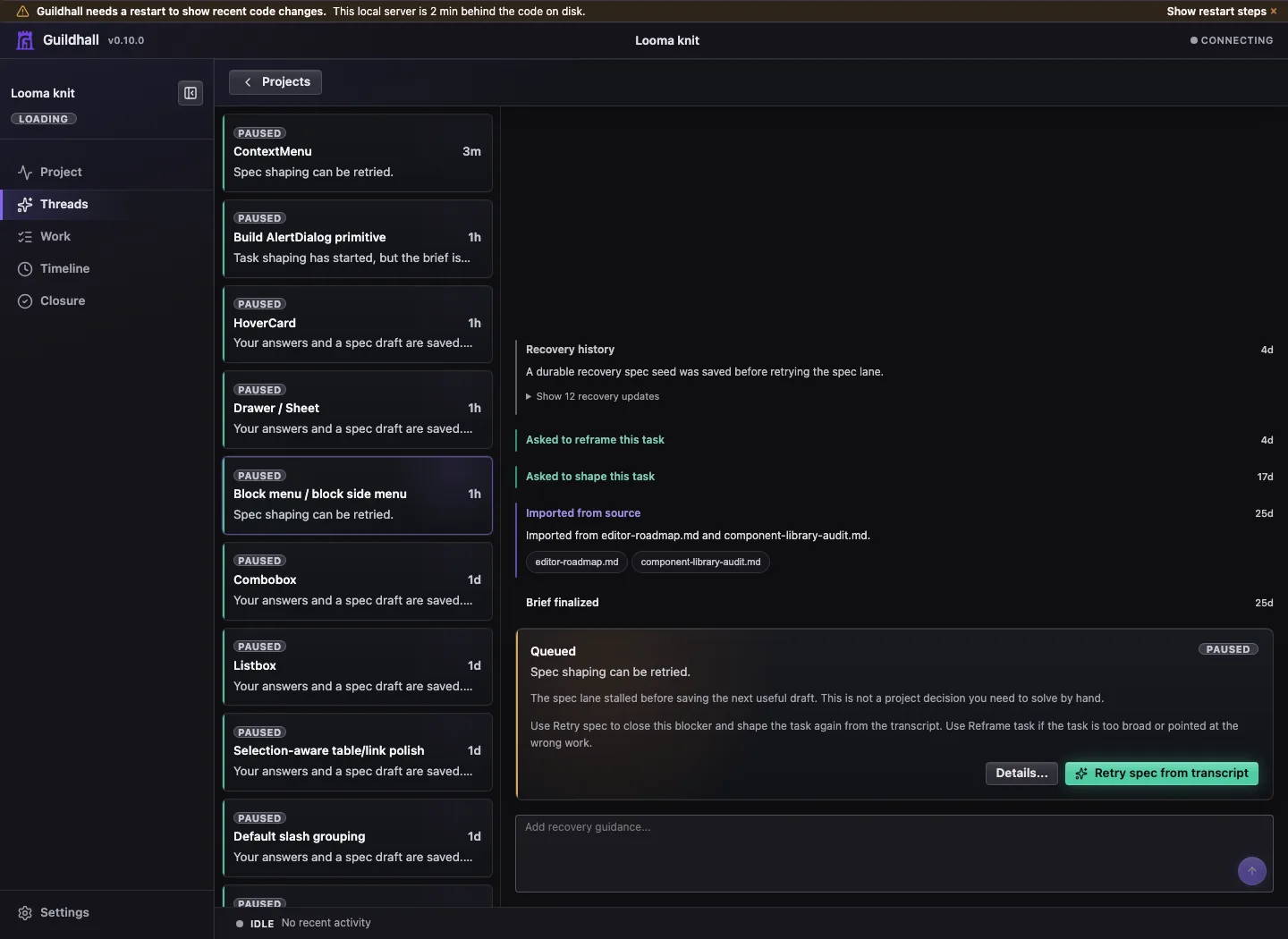
- Overview as a live project summary
- Project rail with Overview, Map, Needs you, Facts, and Structure grouped together
- Task drawer inspection model
- Release, reviewer, and Git Story visibility
- Sparse project controls with one primary Start or Stop path
- Re-intake from the project conversation when old project state needs to be reconsidered
Start, stop, and blockers
The top bar is for the main action, not every possible status. Start or Stop should remain easy to find. If the project cannot move yet, the control is disabled and the notice below it names the blocker with a route to the exact question, spec, migration, or task that needs attention.
Generic labels are not enough. A card that says the project needs you should also tell you what it needs and where to answer.
Thread as the intake view
Threads is where New Request routing, bounded owner-input sessions, and Pressure-Test Intake show up. A broad release or feature ask can become a focused conversation; a task-like ask waits to create work until the missing briefing question is answered; and a pure project question can resolve as a conversation receipt without pretending it was implementation work.
Each question is answered in place, one at a time, with evidence and the reason Guildhall is asking. Other views can point you back to the same conversation, but they should not invent their own parallel question cards.
Those answers are not trapped in the transcript. They update persisted intake state so the eventual spec can name assumptions, decisions, deferrals, and the domains that were actually covered.
Structure as the map room
Structure keeps durable project shape visible without turning Settings into a junk drawer. The structural map shows packages, domains, executable units, Git authority, and review questions. The project graph shows which local project or domain owns a responsibility, which provider/consumer requests are moving, and which side still needs to verify delivery.
Contract surfaces live here too. A contract surface is the shared shape a task must fit: component APIs, route or event schemas, design-system token and variant rules, provider boundaries, or other durable conventions. When a spec touches one of those surfaces, Guildhall can attach a surface review packet so workers and reviewers see the sibling specs, invariants, decisions, and proof obligations before changing the shape.
Re-intake stale project state
Start re-intake from the project conversation when a project has old imported tasks, stale blockers, or cards that no longer match what the repo and docs say. Re-intake reads current evidence, compares it with accepted tasks and progress, and drafts a cleaner plan for review. Empty drafts cannot be applied, and applying a re-intake records why the project plan changed.
Release as the bounded-work view
Release treats Git state, proof, and unfinished work as part of the verdict. Dirty files, local commits, branches without upstreams, pending PRs, skipped merges, stale task worktrees, and unknown inspection failures are blockers until you resolve them or deliberately mark them local-only or deferred.
The project remains open after a release ships. Selecting later work changes the active scope without reopening or rewriting the shipped release. Git Story Closure remains the lower-level name for repository landing state, not a project navigation concept.
See Ship a release for the complete path from selection and scope through readiness, repository follow-up, shipping, and an optional next release.