Start here
Guildhall is a local app for handing real project work to AI agents without losing the plot. It keeps the plan, the work, the review, and the blockers in one visible place.
You do not need the whole machine model before your first run. The job here is smaller: install Guildhall, open one repo, and try one modest task where you can see the loop.
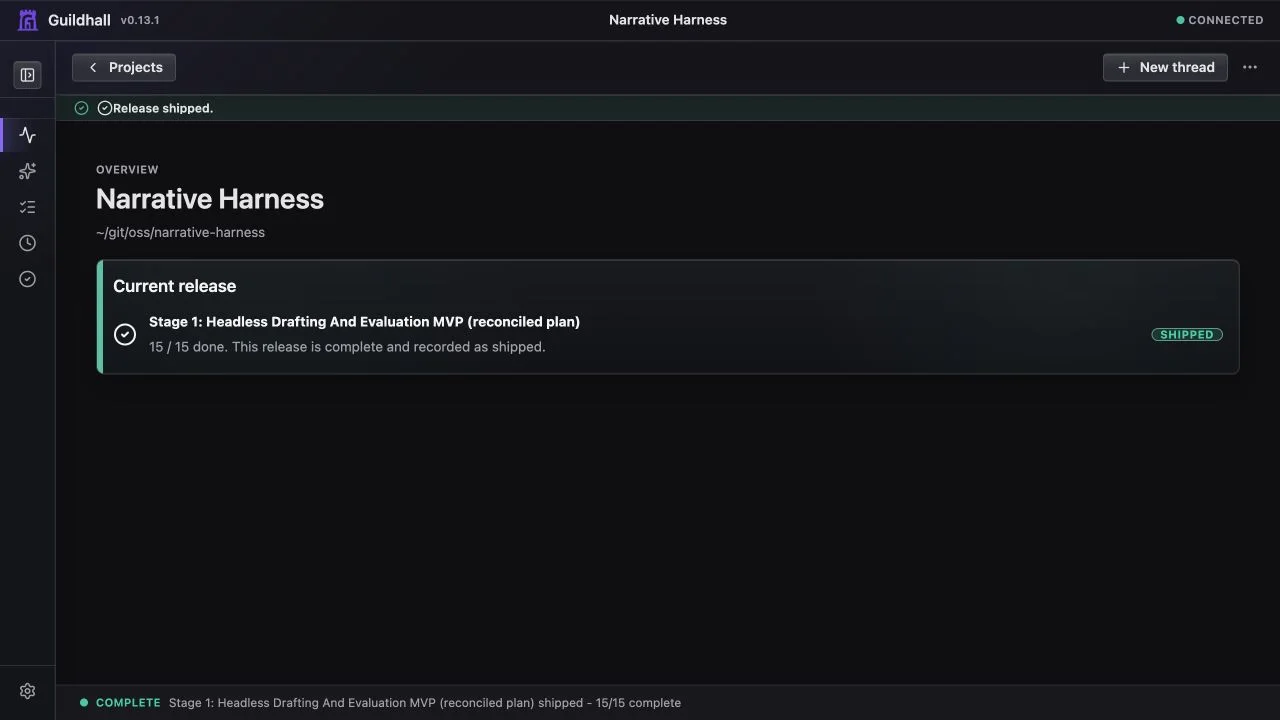
The first mental model
Think of Guildhall as a small project office for AI-assisted software work. You bring a repo and a concrete goal; Guildhall turns that into visible task state, asks when your answer changes the outcome, and keeps evidence attached to the work instead of buried in a heroic transcript.
The pieces you touch first are simple:
- Projects are your repos.
- Tasks are framed pieces of work.
- Blueprints are the accepted plans for what gets built and checked.
- The shell is the browser screen where the current project lives.
That is enough vocabulary for now. Keep Core concepts nearby when a term gets fuzzy, and read How the work loop works when you want the machinery tour.
What a good first run proves
Do not start by asking Guildhall to build an entire product. Start with one small task that can show the loop:
- Guildhall understands the project well enough to draft a blueprint.
- You can approve or correct that blueprint.
- A worker can make a bounded change.
- Reviewers and checks attach evidence.
- If the run stops, the blocker tells you why.
That is the little heartbeat you want before asking for more ambitious work.
Install
Guildhall 0.13's local app is release-supported on macOS. Your project can be anything Guildhall can work on; this compatibility note is about the machine running Guildhall itself.
curl -fsSL https://raw.githubusercontent.com/matthew-dean/guildhall/main/scripts/install.sh | shIf you prefer npm and already have Node.js 22 or newer:
npm install -g guildhallThe installer downloads the latest macOS package from GitHub Releases and checks guildhall-macos.tar.gz.sha256 before installing. To pin a release:
curl -fsSL https://raw.githubusercontent.com/matthew-dean/guildhall/main/scripts/install.sh | GUILDHALL_VERSION=0.13.1 shThe package installer does not install a container runtime, create a VM, pull the runtime image, or start a container. For an isolated macOS setup, Docker through Colima is the recommended path:
brew install colima docker
colima start
docker info
Guildhall also supports Docker Desktop and Podman. Open Settings -> Ready after starting your chosen runtime; Guildhall detects a healthy Docker or Podman service and lets you select it. Host-run compatibility mode remains available when you deliberately do not want an isolated container runtime.
Open one project
cd ~/projects/my-app
guildhall serve
Guildhall opens the browser. If this is the first time the repo has been opened, the setup wizard asks for the basics: the project name, a stable URL slug, and which model provider to use. That is the first site survey: where is the project, what is it called, and can Guildhall work safely?
After the project opens, check Settings -> Ready. The Local runtime card shows whether Docker or Podman is ready, needs setup, or should stay in Host-run compatibility mode for now.
What Guildhall may ask
Guildhall does not need you to design the whole project before it can move. On the first run, the questions usually fall into a few small buckets.
Project identity
These are setup questions, not product questions:
Project name: What is this project called in Guildhall?
Good answer:
Acme Billing Portal
Project slug: What stable URL slug will Guildhall use?
Good answer:
acme-billing-portal
The slug keeps project URLs stable. A browser tab for one project must never quietly turn into another project. That way lies comedy, and not the good kind.
Project direction
If the repo is new or stale, Guildhall may summarize what it knows and ask what to add or correct:
I found a Next.js app with auth scaffolding, a README about invoices, and no accepted project direction yet. What is this project trying to become?
A useful answer is short and product-shaped:
This is a self-serve billing portal for small B2B customers. The first goal is account login, invoice history, and payment-method updates. Do not work on pricing plans or admin tools yet.
You do not need to pick a database, component library, or folder structure unless that choice is part of the product direction. Guildhall can usually read the repo and follow the local pattern.
Existing notes and imports
For an existing repo, Guildhall may find README sections, TODO files, roadmap notes, or old planning docs:
I found possible work in
README.md,./docs/roadmap.md, andTODO.md. Which source becomes task drafts?
Useful answers:
Use
./docs/roadmap.mdfirst. TreatTODO.mdas scratch notes.
Ignore the old README checklist. The current source of truth is
./docs/release-plan.md.
This does not mean every note becomes runnable work. It means Guildhall can turn selected notes into draft task blueprints for review.
Task shaping
Before a worker starts, Guildhall may ask about scope or success:
Does password reset belong in this auth task, or is it a separate task?
Useful answers:
Separate task. This one only makes login/register work with existing email confirmation.
Include it, but only if the repo already has the email provider configured.
It may also ask:
What counts as done?
Useful answer:
A user can register, confirm email, log in, log out, and see the dashboard. Add or update tests for those paths. Do not build profile management yet.
If you are not sure what Guildhall is asking, say that. A good follow-up is:
I do not know what this refers to. Show me the source note and your current assumption.
Guildhall keeps the question open and gives you the missing context instead of treating that reply as the final answer.
Runtime blockers
Once work starts, questions get very concrete:
The repo is dirty. These files were changed by an earlier Guildhall run. Package them into a task checkpoint before continuing?
pnpm buildfails becausepixiis missing. Install it and retry, or mark the readiness check blocked?
The worker completed the code path, but the reviewer found no verification command. Run the focused test, or move back to implementation?
Good blockers tell you:
- what happened
- what evidence Guildhall has
- what choice is needed
- what Guildhall recommends
If a blocker only says "Needs you" without context, that is a product problem, not a puzzle you were supposed to solve.
If an existing project has old cards that no longer match the repo, start a re-intake from the project conversation. Guildhall re-reads the project, treats existing tasks and progress as evidence instead of final truth, and drafts a cleaner plan you can inspect before applying.
A first-run example
Here is what a healthy first run feels like. Tiny, useful, boring in the best way.
You run
guildhall serveinside~/projects/my-app.Guildhall asks for a project name, slug, and provider.
Guildhall summarizes what it found:
I found a Vite app, a README describing a dashboard, and TODO notes about auth and settings. No accepted task blueprints yet.
You add direction:
First release is a private dashboard for the internal team. Focus on auth, navigation, and one useful settings page. Do not build billing yet.
Guildhall drafts starter blueprints:
Set up auth shellAdd dashboard navigationCreate settings page placeholder
You approve one blueprint or narrow it:
Approve auth shell, but password reset is out of scope.
You press Start.
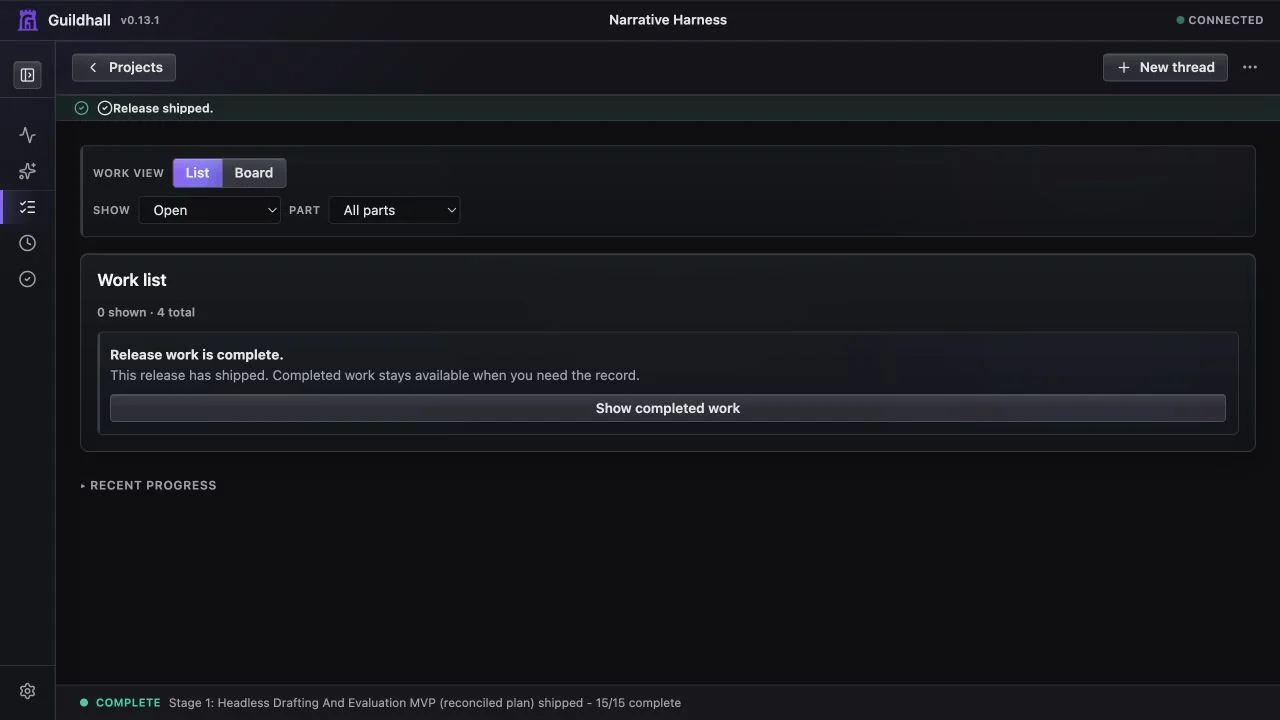
Thread shows visible motion: task state changes, live events tick, transcript notes appear, verification runs, and reviewer/gate results attach to the same task.
If work stops, the blocker names the specific reason and the next choice.
That is the feeling to look for: one project, one visible queue, one task state, and enough evidence that you can tell whether Guildhall is working or waiting.
Two ways to start
If you are a developer, pick a task where you already know the verification path: a failing test, a small UI fix, a documentation/code mismatch, or one obvious setup problem. You are checking whether Guildhall respects the repo.
If you are closer to product than code, pick a narrow outcome you can describe well: who it is for, what the user should be able to do, what is out of scope, and what would make you say “yes, that solves the problem.” You are checking whether Guildhall can turn your intent into usable technical work.
Choose your path
Use the path that matches your repo:
- New project: start from an empty or early repo.
- Existing project: attach a repo that already has plans, docs, or TODOs.
Then read First task set before pressing Start. A good first run is small enough to watch, concrete enough to verify, and framed well enough that the worker is not inventing the plan while building.
What success looks like
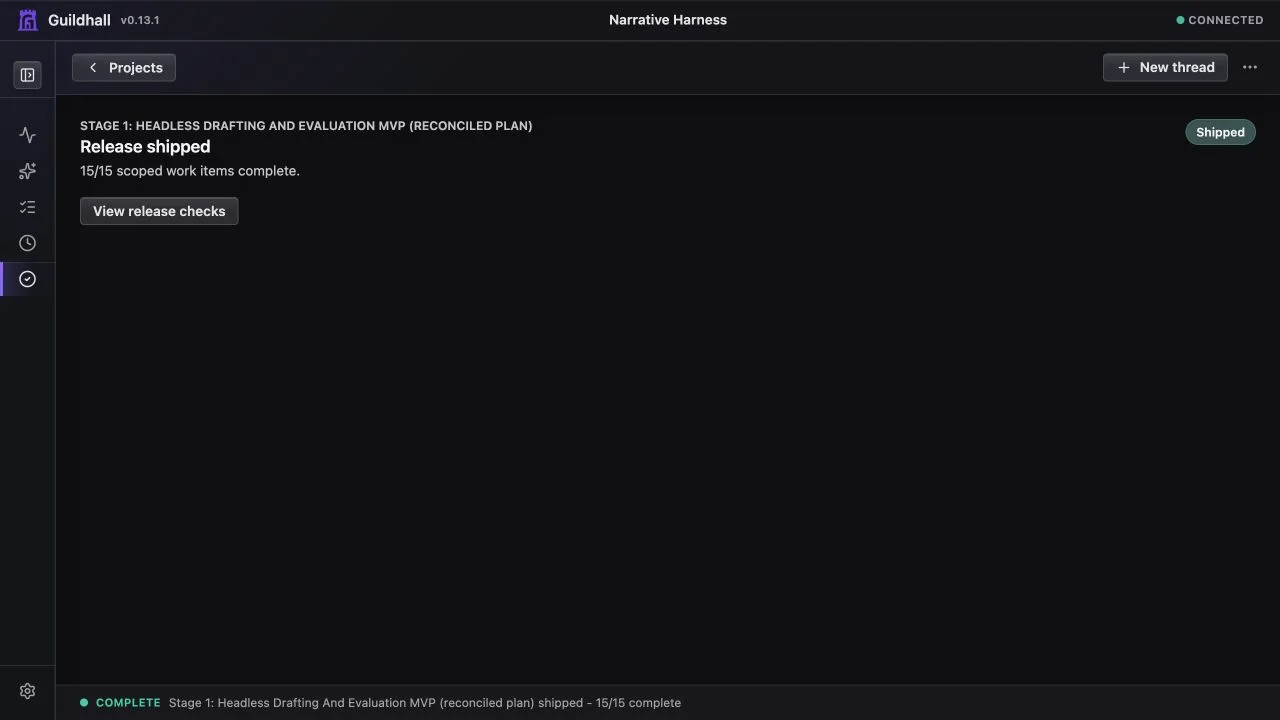
After you start a project, the app shows motion:
- task status changes
- live events appear
- transcripts and review notes accumulate
- blockers explain what stopped and what needs your answer
If the button flips back and nothing visible changed, that is not a good run. It is a setup problem, a product bug, or a task that needs more information.