Projects and work
Guildhall is easiest to understand once you see how projects and work relate. The app starts at the service home, then narrows into the project shell where project survey, task blueprints, live agent work, inspections, and release readiness play out. It keeps the current state visible so you do not have to hold the whole run in your head.
What stays visible
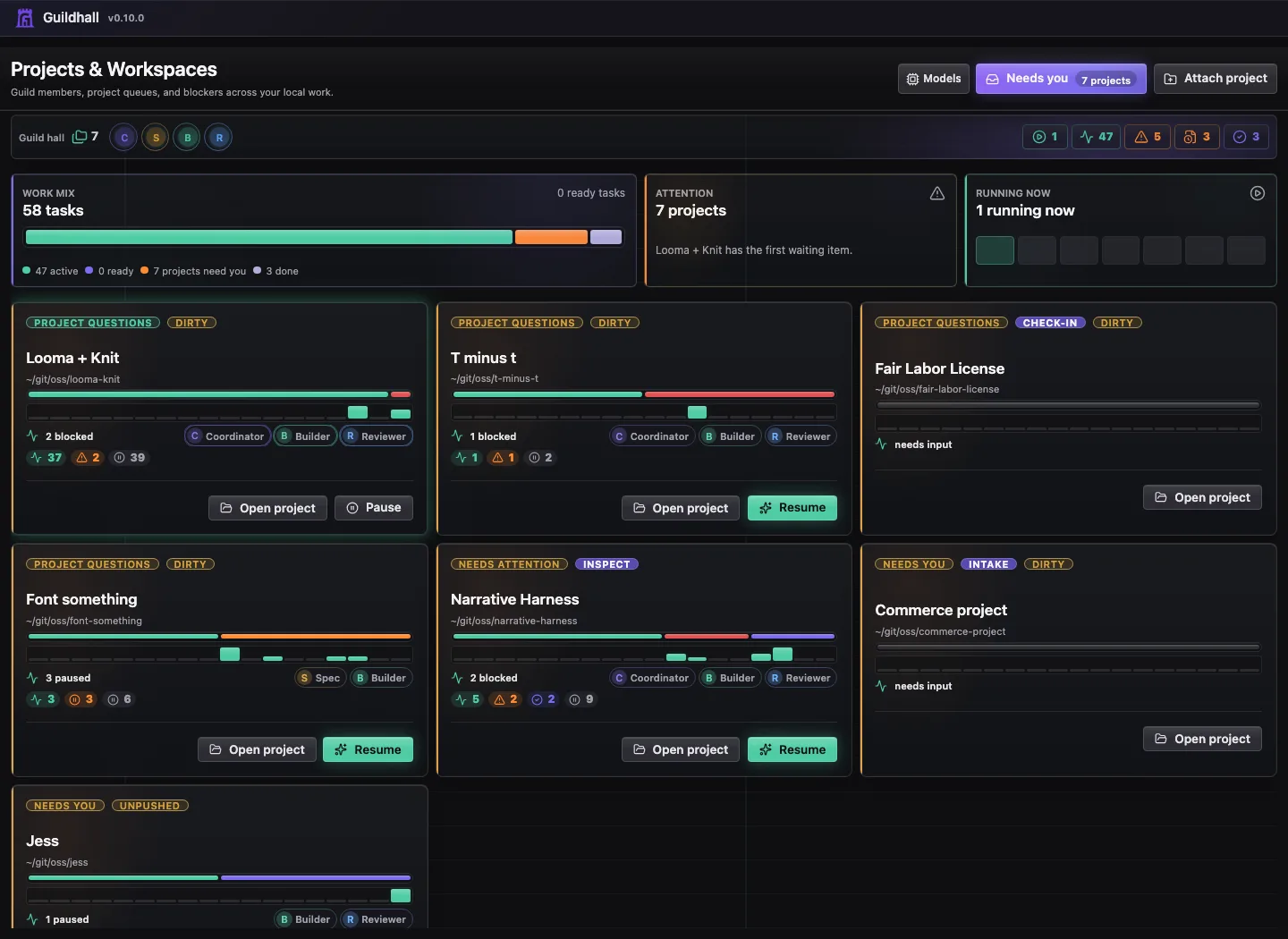
The projects page is the lobby. It helps you pick the right project, notice anything risky, and get into the work without spelunking through files first.
- Project state: cards show whether a project is paused, queued, stable, mixed, or waiting for inspection.
- Provider readiness: the home view shows the default provider and worker model group before you open a project. If the choices disagree, Guildhall sends you to Providers before the wrong model starts working.
- Git health: dirty repos, local commits, open PRs, and unresolved task worktrees stay part of the project story.
- Start blockers: migrations, unanswered questions, runtime setup, and provider mismatches explain themselves before you press Start.
Inside a project, the rail keeps the main sections separate. A section's child links stay visible while you are in that section, then hide when you move somewhere else:
- Project groups Overview, Map, Needs you, Facts, and Structure.
- Overview is the project summary.
- Map is the 1,000-foot project view: the capability skeleton, selected release or bounded scope, work distribution, progress, and later work.
- Needs you is the alert view for waiting answers and approvals.
- Facts is what Guildhall knows about identity, environment, gates, and routing context.
- Structure is the repo map, project graph, provider/consumer handoff view, and shared-contract view.
- Threads is the project conversation.
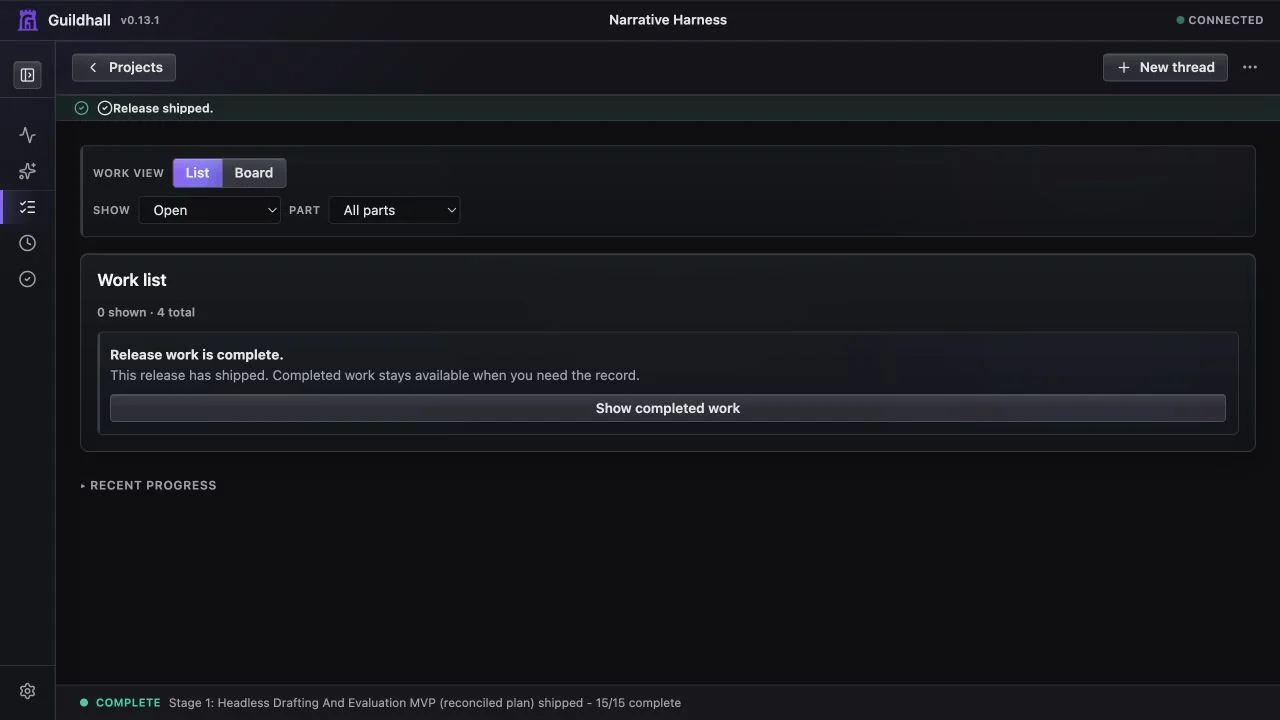
- Work is a top-level work mode; it shows Queue and Board while you are working through tasks.
- Timeline is the activity history.
- Release shows the selected release, readiness checks, proof, and what is included versus deferred. A project stays open; only a bounded release can ship. Follow Ship a release for the complete workflow.
- Settings is readiness, providers, identity, profiles, and configuration.
That split keeps the UI from turning every useful signal into another task card. Cross-project work can live in the project graph. Owner decisions can stay linked to the same conversation. Memory stays inspectable and reversible without adding a new approval step to every task.
Guildhall is file-backed too. The shared project plan lives in ./guildhall.yaml, compact shared state lives in committed ./.guildhall/ files, and local/private overrides live in ./.guildhall/config.yaml. Machine-wide state such as the registry and provider credentials lives in ~/.guildhall/; bulky run history lives under ~/.guildhall/data/projects/. The UI is a clearer window into those files, not a secret second database.
Most of the real loop lives in the browser
- Attach and configure: bring a project into the service, choose a provider path, and get the shell ready for real work.
- Shape and launch tasks: create work, review the blueprint, answer the awkward questions, then hit Start when the task is ready to move.
- Pressure-test broad asks: a release or feature request can become a one-question-at-a-time intake instead of a giant vague task. Answers, assumptions, and deferrals stay attached to the project.
- Review project structure: inspect the structural map, project graph, shared contract surfaces, provider work, and consumer verification from Structure.
- Inspect the run: read the queue, open the drawer, follow the transcript, and decide whether Guildhall is making useful progress.
- Judge release readiness: keep reviewer verdicts, release checks, and Git Story blockers visible so “probably fine” does not become the standard.